
Stripe payments in Slack, with the customer attached.
Point a Stripe webhook destination at your relay endpoint and every charge, invoice and subscription change arrives as a card a person can read. Each one is verified against Stripe's signature, kept in the ledger with its full payload, and attached to the customer it came from.
The four events worth sending, and what each one is for.
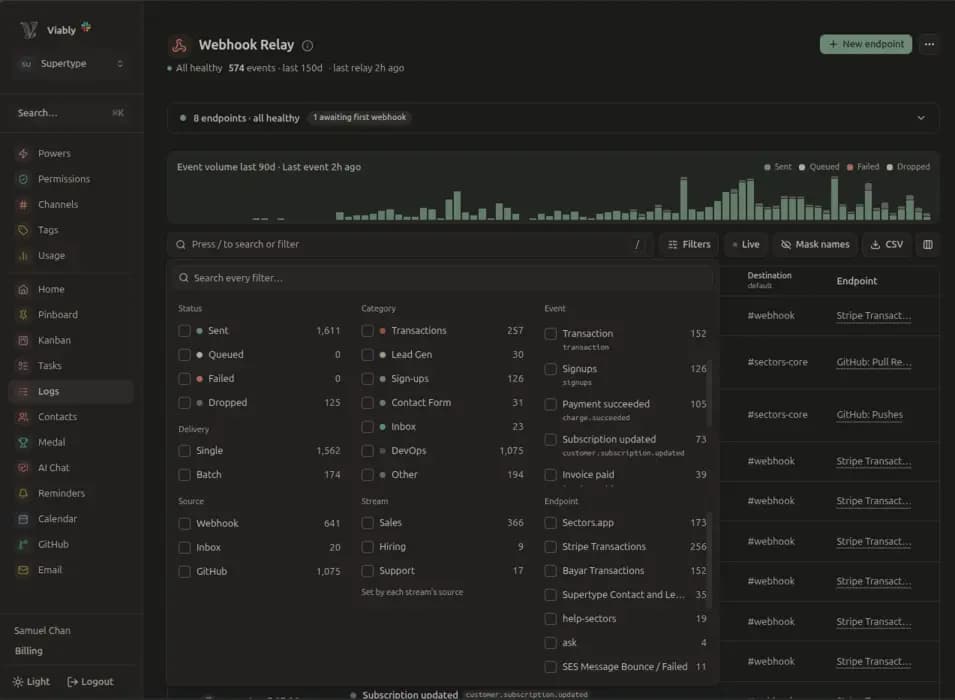
Stripe will happily send you everything it has. These are the ones that change what somebody does that day, and Viably formats each into its own card so nobody has to read raw JSON in a channel.
charge.succeeded
Every successful transaction, whether it came through Checkout or your own integration.- AmountCustomerProductMethodCurrency
charge.failed
The one worth acting on the same day. Viably can spawn a follow-up task so somebody reaches out while the sale is still recoverable.- Decline reasonCustomerAmountProduct
invoice.paid
Enriches the charge card with who the customer actually is, which is also what the contact record is matched on.- NameEmailPhoneCountry
customer.subscription.updated
Fires when a subscriber sets their plan to cancel, early enough for your customer care team to do something before the period ends.- Scheduled cancellationPlan changePeriod end
The most valuable event Stripe sends you is the one that failed.
In most teams it lands in a dashboard nobody has open, gets retried twice, and is written off by the end of the month. Viably posts the customer, the product, the amount and the decline reason into the channel that cares, and can open a task assigned to the person whose job it is to win the sale back.
- Cards a person can read
Amounts show in the currency they were charged in, the product is named, and the important fields sit at the top of the card.
- An ending, attached to the event
Turn on a spawn rule and a failed charge or scheduled cancellation becomes a task with an owner and a due date for the recovery.
- Verified before it reaches you
Every request is checked against the Stripe signing secret you pasted in. Each card in your channel is an event Stripe actually sent.

Stripe declined the card. The subscription stays active until the retry window closes.
- Customer
- Dunder Mifflin
- Reason
- insufficient_funds
- Next retry
- in 3 days
Spawned by the relay because a failed charge is worth a conversation.
- Assignee
- @priya
- Due
- tomorrow
The payment already knows who paid it.
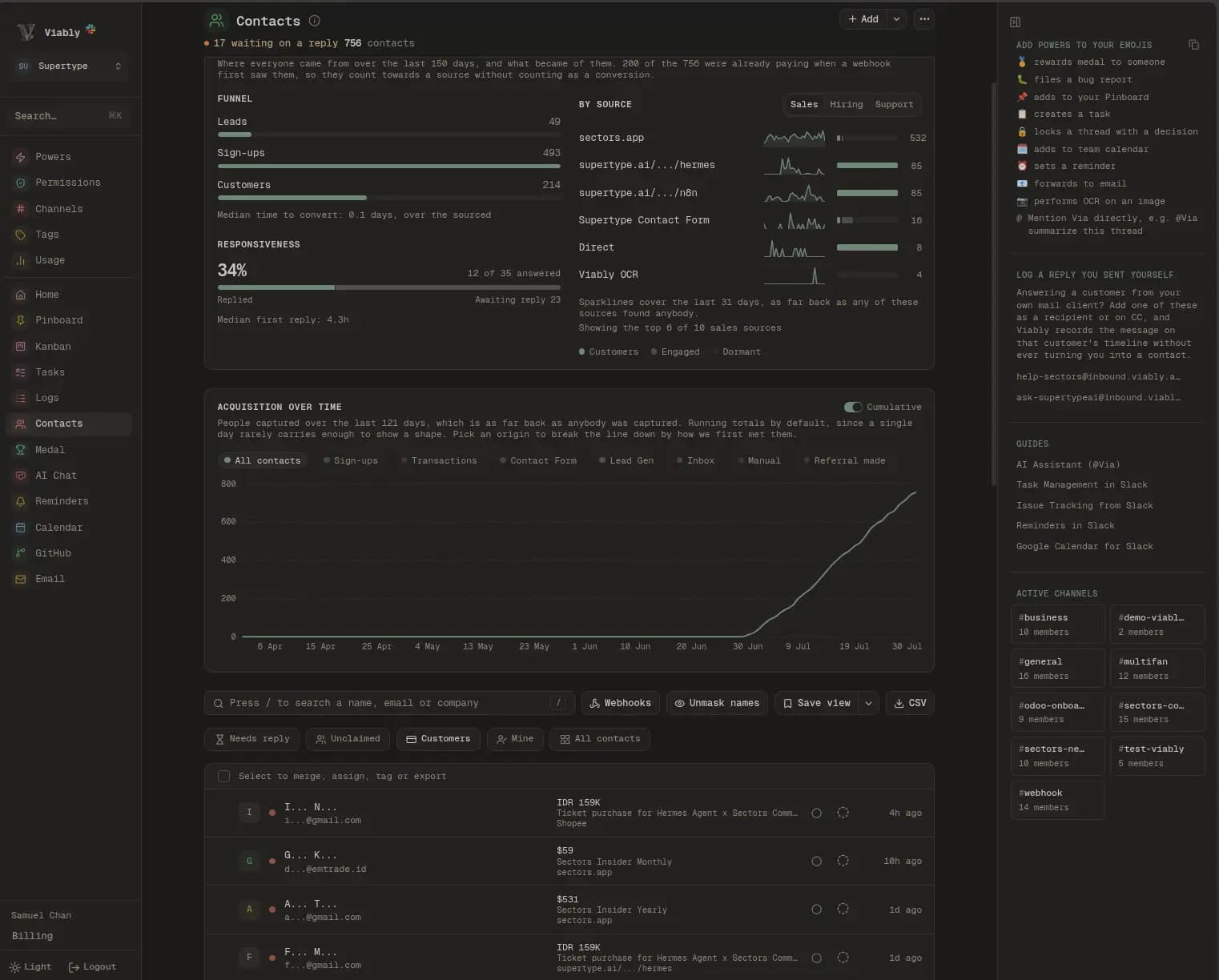
Viably matches a charge to a contact on the email address, so the person who filled in your form in March and paid in June is one record rather than two. That match is what lets the revenue report say which source, which campaign and which landing page actually earned the money.
 Viably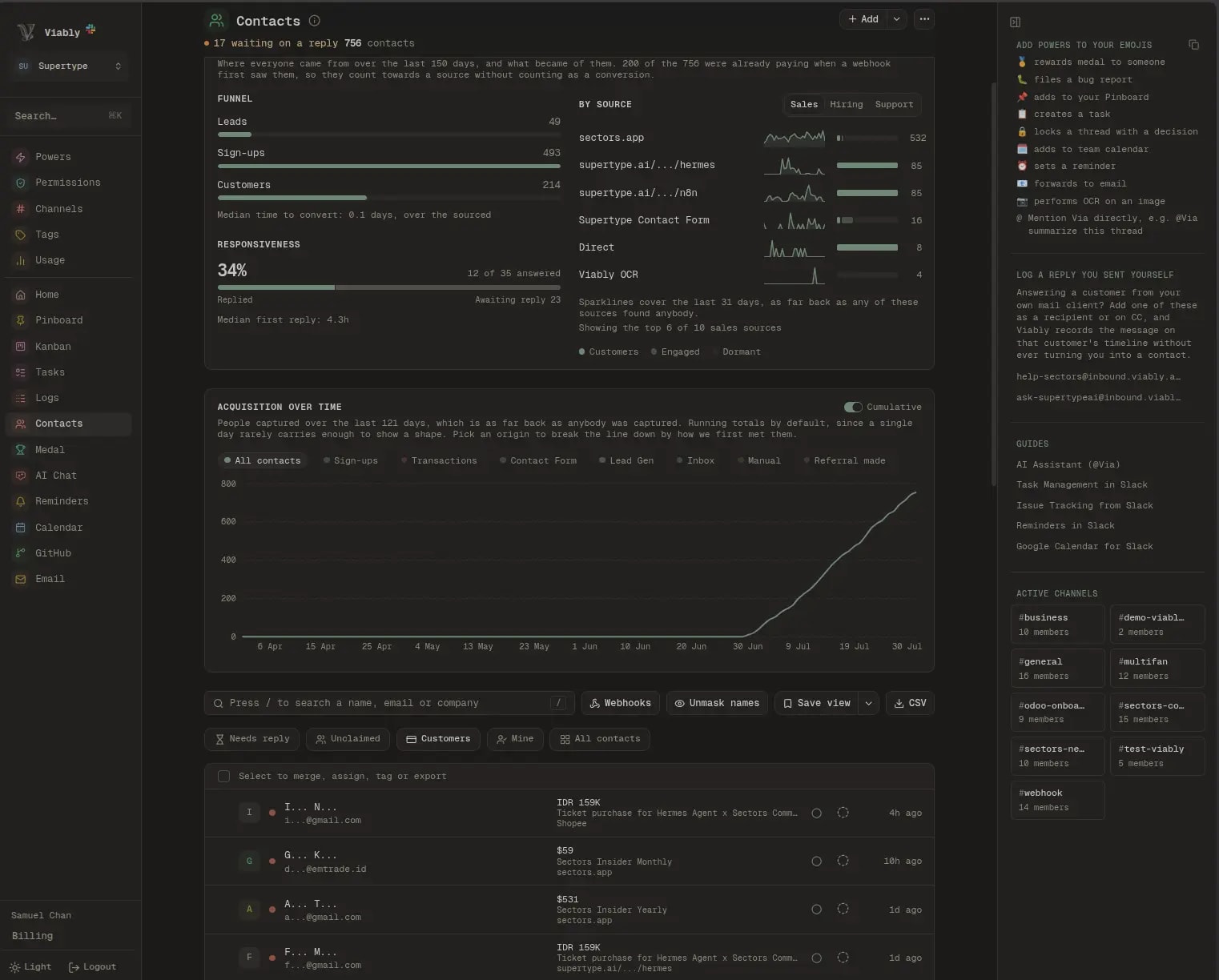
- One person, every touch
Forms, enquiry emails, in-app events and payments all land on one contact, matched by email, with the source that first brought them in.
- Lifetime value without a spreadsheet
Charges add up on each contact. Sort by lifetime value to find your best customers, or check the leaderboard.
- The payload stays readable
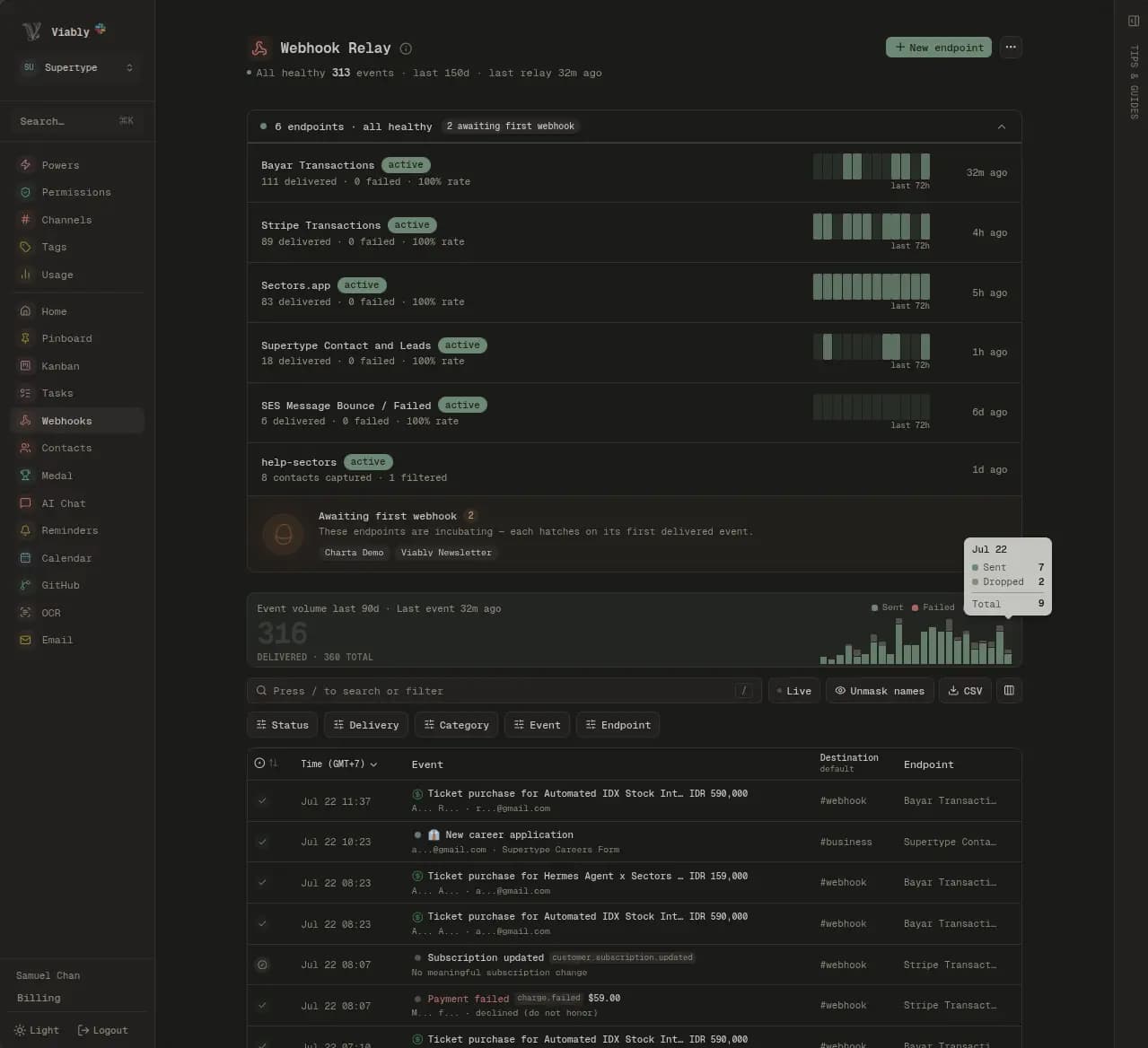
Every event stays in the relay log exactly as Stripe sent it. Search it, read the raw body or replay it.
Retries, batching and a log you can replay.
The relay behind this integration is the same one that accepts events from anything else you point at it. A burst of charges folds into one card instead of nine, a delivery that fails is retried with backoff, and nothing is dropped quietly.
How the relay worksViably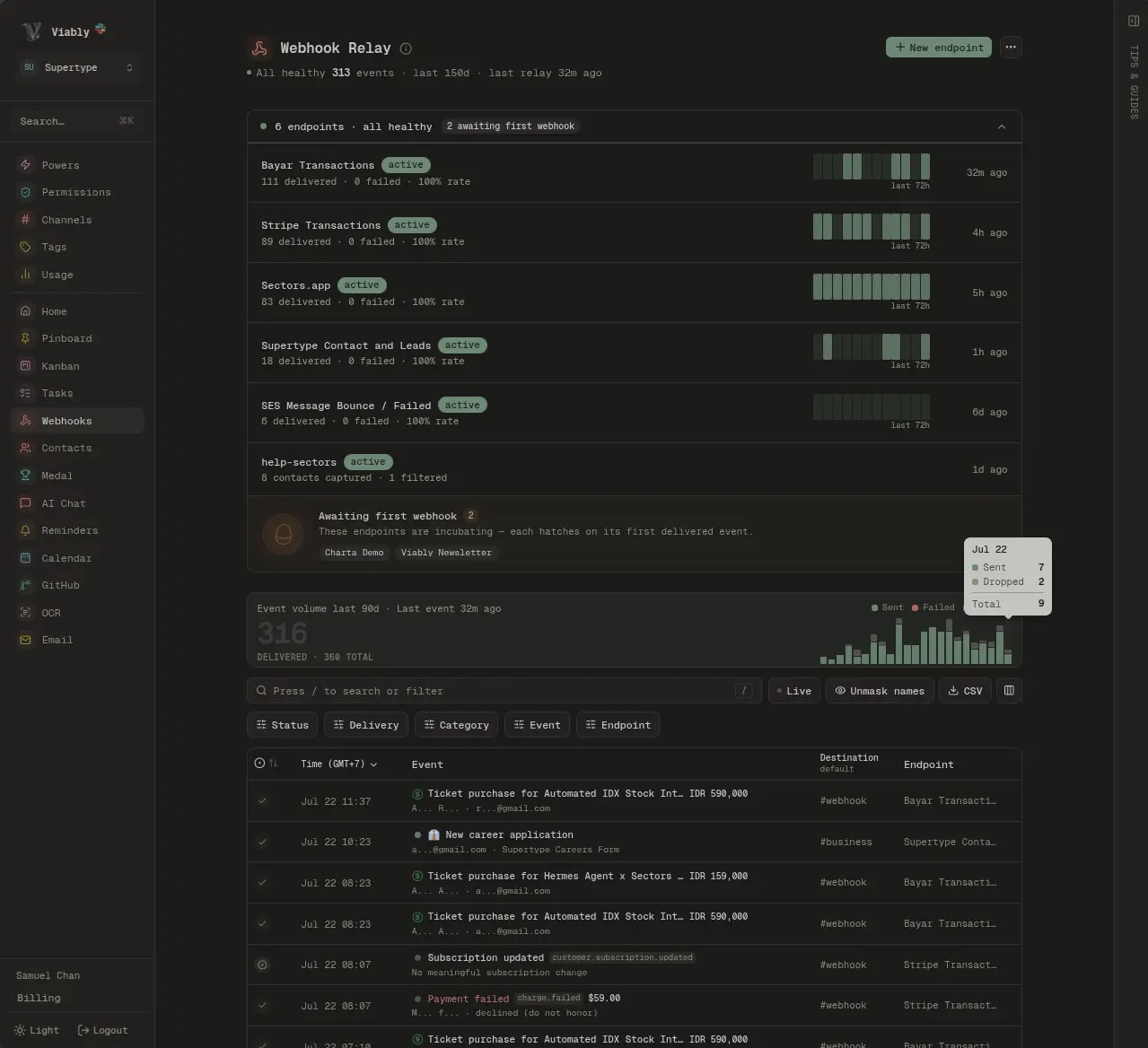
Priced on the events, so the bill follows the business.
A busy month is a question of how many charges landed, and that is exactly what Viably counts. The Free plan carries a monthly event allowance that covers most early-stage volume, and Viably+ raises it for businesses taking payments all day.
Questions about the Stripe integration
What does the Stripe Slack integration do?
How long does it take to get Stripe events into Slack?
Which Stripe events are worth sending?
Does a payment tell me anything about the customer?
Do I need Stripe's CLI or a tunnel to test this?
Can a failed payment create a task automatically?
What happens if Slack is down when an event arrives?
Can I send Stripe events without using Slack at all?
Where this leads next
Connect something else
Everything lands in the same record, so the second service you connect takes less setting up than the first.
Put the money in the room.
Create a Stripe relay, paste the URL into your webhook destination, and send a test event from Stripe to watch it land.
- Free to start
- No credit card required
- Powers on when you need them