
Slack reactions, GitHub issues.
React with the bug on any message and Viably opens an issue in the linked repository, carrying the title, the body, and a link back to the thread it came from. Everything the repository does afterwards comes back the other way, so the person who reported it never has to open GitHub to find out what happened.
#218 Checkout 500s on the annual-plan switch
Reported by @Kevin·@oscar
#214 Reminder DST off-by-one near the cutover
Reported by @stanley·@stanley
#207 OCR drops multi-line receipts
Resolved by @kevin
Four families of event, each routed on its own.
Running /github-notify in Slack lists every event type beside the channel it currently posts to, and each one moves independently. A workspace default catches anything you have not placed by hand.
Issues and comments
Each one posts to Slack as it happens on GitHub. Closing an issue in Slack doesn't close it on GitHub.- OpenedClosedReopenedCommentedAssigned
Pull requests and reviews
Send these to the channel that does code review, and leave triage to its own.- OpenedReady for reviewReview submittedMergedClosed
Pushes
- CommitsBranchAuthorCompare link
CI and deploys
A result is written onto the pull request or the push it ran against, so a broken build turns that card red instead of adding a second message underneath it.- Workflow successWorkflow failureDeployment
Somebody reports a bug in a channel, and that is the whole ceremony.
The person who noticed the problem does not need a GitHub account, a template, or an opinion about which repository it belongs in. A teammate reacts, Viably writes the issue, and the thread and the issue keep each other up to date from then on.
Checkout is throwing a 500 on the annual plan switch 😬

- Repo
- viably/on_next
- Assignee
- @oscar
- Priority
- High
- Status
- Open
Pull requests and broken builds want different rooms.
A single firehose channel is how teams end up muting the one notification that mattered. Every event type carries its own destination, so review stays with the reviewers and a failed deploy interrupts the people who can do something about it.
- Issues that close themselves
Close an issue on GitHub and it resolves in Slack; resolve it in Slack and the GitHub issue closes. Assignees and labels travel with it either way.
- Per-repository control
Link every repository your team works in and choose which ones can receive new issues from the workspace.
- One thread, several issues
Ask Via to split a long thread into separate issues and it files each one to the right repository, with the thread linked from every one.
🐛 #218 Checkout 500s on annual-plan switch
Checkout 500s on annual-plan switch #342
Openopened by viably-app[bot]
The link is stored once, then shows up in
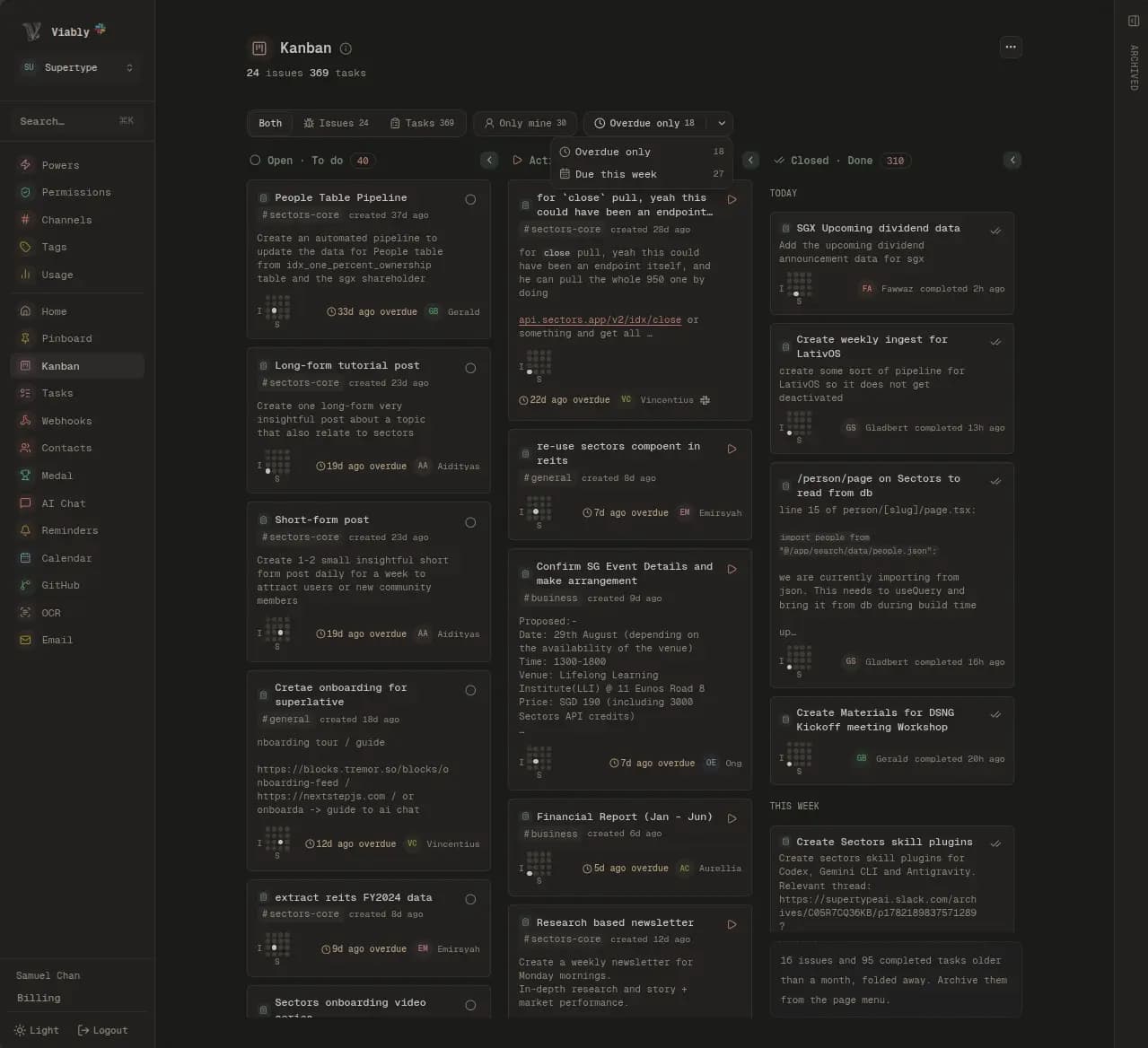
Issues and tasks on one board, whichever side they were filed from.
An issue opened in GitHub and a task created from a Slack message are the same kind of thing to the people carrying them, so they share a board, a set of columns, and an overdue rule that makes the late ones announce themselves.
 Viably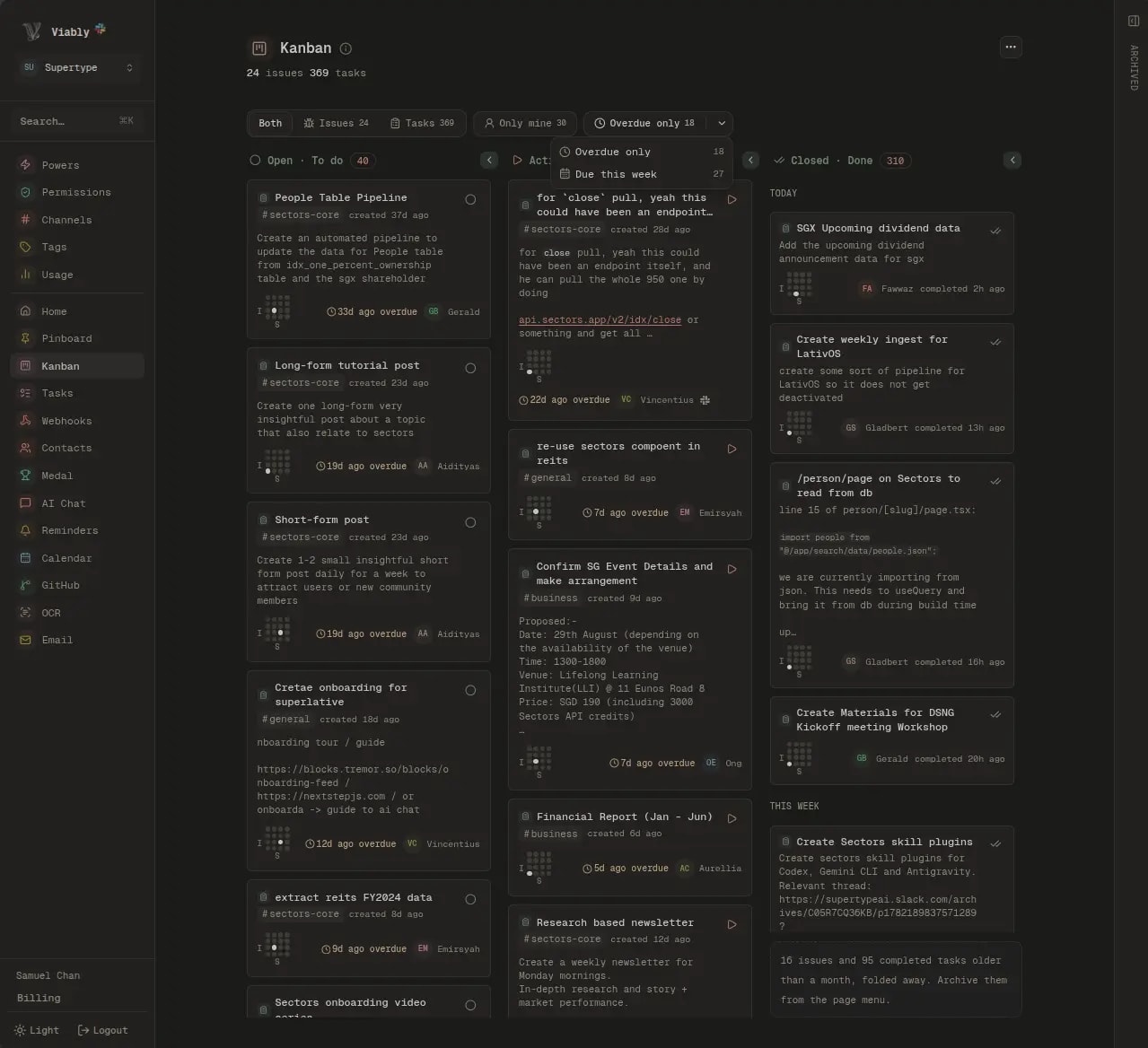
Every repository, every seat, one price.
Viably charges per workspace, so connecting a second organisation or inviting the whole engineering team costs nothing more. The Free plan carries the full GitHub power, and Viably+ raises the event limits for teams whose repositories are busy enough to need it.
Questions about the GitHub integration
How do I choose which GitHub events reach which channel?
Does this replace GitHub's own Slack app?
Which events are supported?
Can people create GitHub issues without a GitHub account?
What access does the GitHub App have?
Can an SEO finding or a support thread become a GitHub issue?
Connect something else
Everything lands in the same record, so the second service you connect takes less setting up than the first.
File it where it was reported, fix it where you work.
Install the GitHub App, pick a repository, and the next bug reaction in Slack opens a real issue.
- Free to start
- No credit card required
- Powers on when you need them