
Hand Claude your inbox.
Add Viably's MCP server to Claude Code or Claude.ai and sign in once. Claude reads the people waiting on you, the pipeline and the board, and asks before it changes anything. Whatever it does appears in the dashboard and in Slack under your name.
what's waiting on me in Viably?
Michael asked on Tuesday whether annual billing covers extra seats, and nobody has picked him up. I can claim him and leave a draft reply on his record for you to send.
Your workspace, as tools an agent can call.
The server lists these to any app that connects. Reads are ticked when you sign in, and each area of changes needs its own tick.
Inbox and contacts
A list shows names only to a member who may also download contacts, since an agent can page through the whole book.- list_inboxfind_contactsget_contactclaim_contactset_contact_statustag_contactadd_contact_notedismiss_inbox_itemsnooze_inbox_item
Deals
Stages come from your own pipelines, and list_deals returns the keys move_deal expects.- list_dealsopen_dealmove_deal
Tasks, issues and the calendar
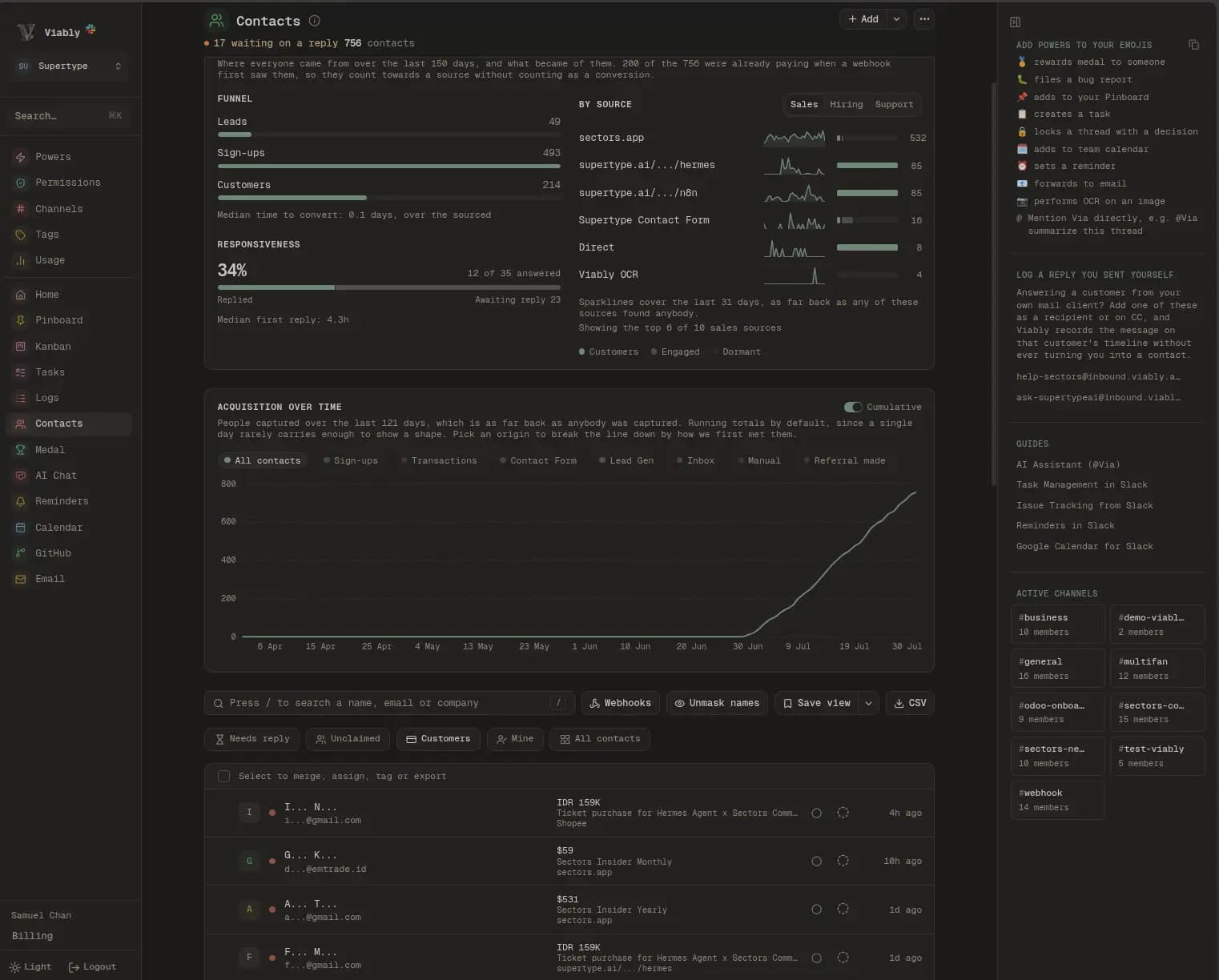
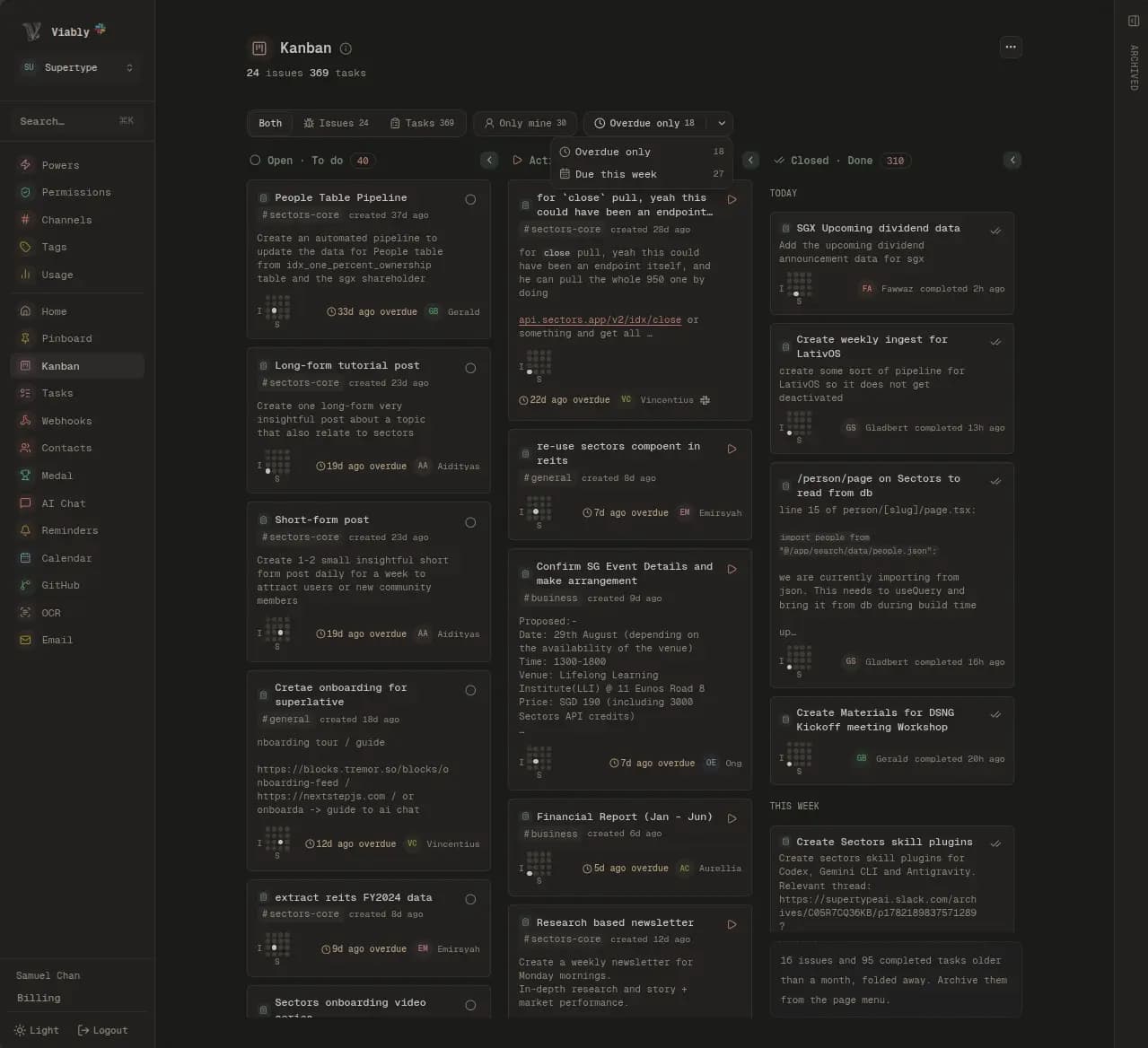
A task or issue an agent creates posts its card to Slack, the same as one filed from the dashboard.- list_taskscreate_taskupdate_tasklist_issuesget_issuecreate_issueresolve_issuelist_eventscreate_eventset_reminder
Logs, search and signals
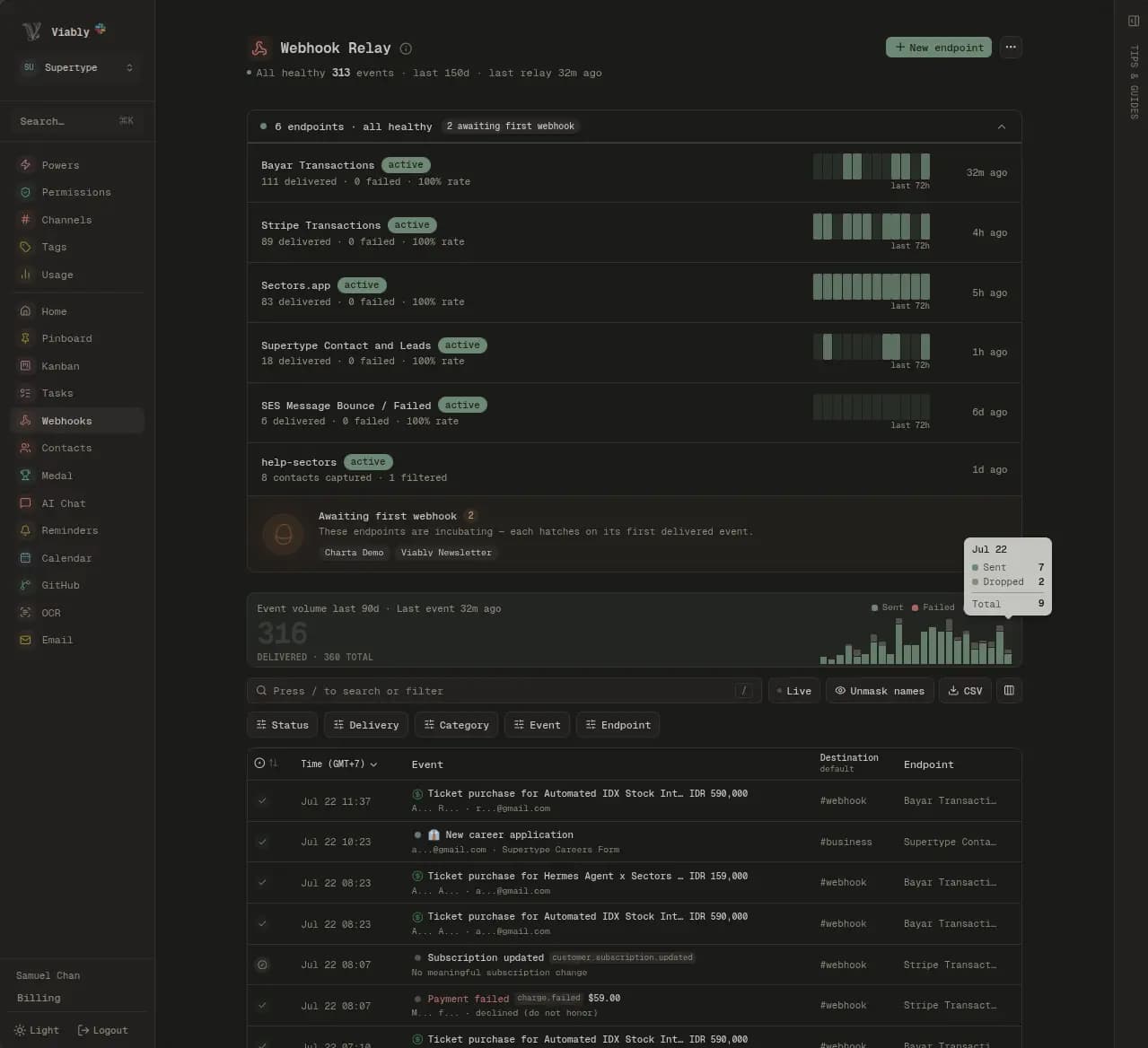
Replaying a relay event is for workspace admins.- query_relay_logsreplay_relay_eventsearch_console_summarysocial_summaryuptime_statusgithub_activitymedal_leaderboardsearchwhoami
Reads to start, changes when you tick them.
Claude opens a Viably sign-in in your browser. You pick the workspace and see what Claude may read and what it may change. Reads come ticked, and each area of changes stays off until you tick it.
- Your role and no more
A member whose role masks customer names sees them masked through Claude too. Scopes can narrow that access further.
- A list counts as a download
Names in a contact list need the download permission, and each list that carries them is logged under Downloads on the Members page.
- Replies stay with people
Claude can draft a reply as a note on the contact, and a person on your team reviews it and sends it.
Connect Claude to Viably
Claude will act in your workspace as you, limited to what your role allows. Untick anything it doesn’t need.
Your inbox
Contacts
Deals
Tasks
Issues
Claim contacts, set their status, tag them and add notes
Open deals and move them between stages
Create tasks, which post to Slack, and change their status, assignee and due date
Create issues and resolve them, noting it in their Slack thread
Three saved prompts, run as slash commands.
The server ships prompts that chain the tools the way you would work the dashboard. Type /mcp__viably__triage_inbox and Claude reads your queue, proposes an ending for each item, and acts on the ones you approve.
To bring one record into the conversation, type @viably: and pick a contact waiting on a reply or an open issue. It loads with its deals and timeline before Claude starts.
- triage_inbox
Proposes a reply, a task, a dismissal with a reason, or a snooze for each item in your queue.
- pipeline_review
Finds deals sitting past their stage's usual pace, follow-ups you missed, and deals without an owner.
- weekly_digest
Sums up the week across deals, tasks, issues, search, social, uptime and GitHub, ready to post to the team.
What Claude files posts to Slack like anything else.
A task Claude creates posts its card to the channel you named, with you as the author. An issue it resolves gets a note in its Slack thread. API and agents lists every change with the app that made it.
 Viably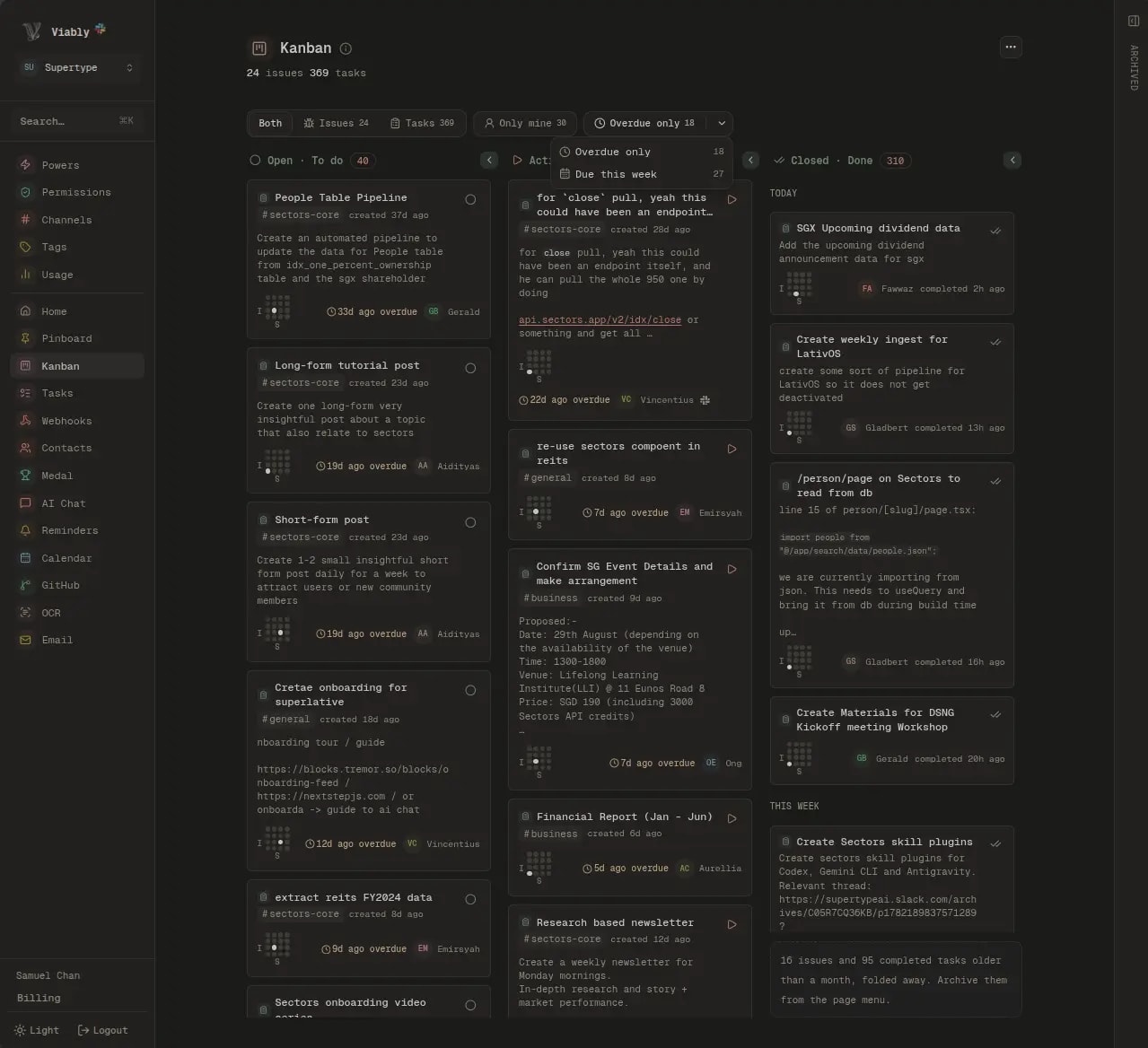
Every tool on every plan, counted by the call.
Free includes 500 tool calls a month and Viably+ includes 15,000, shared by the whole workspace. A top-up pack adds 3,000 more. Connecting a second app or a second teammate costs nothing extra.
Questions about the Claude integration
How do I connect Claude Code?
How do I connect Claude.ai?
Do the saved prompts work outside Claude Code?
Can the agent see anything I can't?
Can it email or message our customers?
What if a customer's message tries to give the agent instructions?
What happens when someone leaves the workspace?
Connect something else
Everything lands in the same record, so the second service you connect takes less setting up than the first.
Ask Claude what's waiting on you.
Install Viably in Slack, then connect Claude from API and agents. Your inbox has an assistant the same afternoon.
- Free to start
- No credit card required
- Powers on when you need them