
Scan a stack of business cards in two minutes.
Photograph the business cards from your last conference, post the photo in a channel, and react with the camera. Viably reads every card in the image and replies in the thread with a contact table and a nine-column CSV, ready to import wherever your contacts already live.
Grabbed this receipt at the kiosk, can we log the totals?

Pulled the line items straight off the image.
Nine fields from each card, five of them in Slack.
The table in the thread shows the five fields you need to decide who to follow up with. The CSV has all nine for import.
In the thread and the CSV
A card with two numbers keeps both, separated by a comma.- NameTitleCompanyEmailPhone
CSV only
Extra fields for import, kept out of the Slack table.- WhatsAppWebsiteAddressNotes
Around the result
If a photo has more cards than one result can hold, Viably returns it in parts and uploads the CSV once every part has arrived.- Image filenameContacts foundTime takenPart number
Scans run in the background.
Viably confirms the scan is queued straight away, the OCR service reads the cards, and Viably posts the result back into the same thread when it is ready.
- One photo, many cards
Photograph a whole stack of cards at once. Viably reads every card in the frame and creates a contact for each.
- Results in the thread
Results post as a reply under the original photo.
- Only in channels you choose
Scans run only in channels on your OCR list. A camera reaction anywhere else is ignored.
Back from the expo with a stack of cards.
Nine columns per person, extracted as a CSV and posted back to you.
- Contacts found
- 16
- Attributes
- 9 for 16/16
- Export
- CSV and filed on Viably CRM
From business card to contact record.
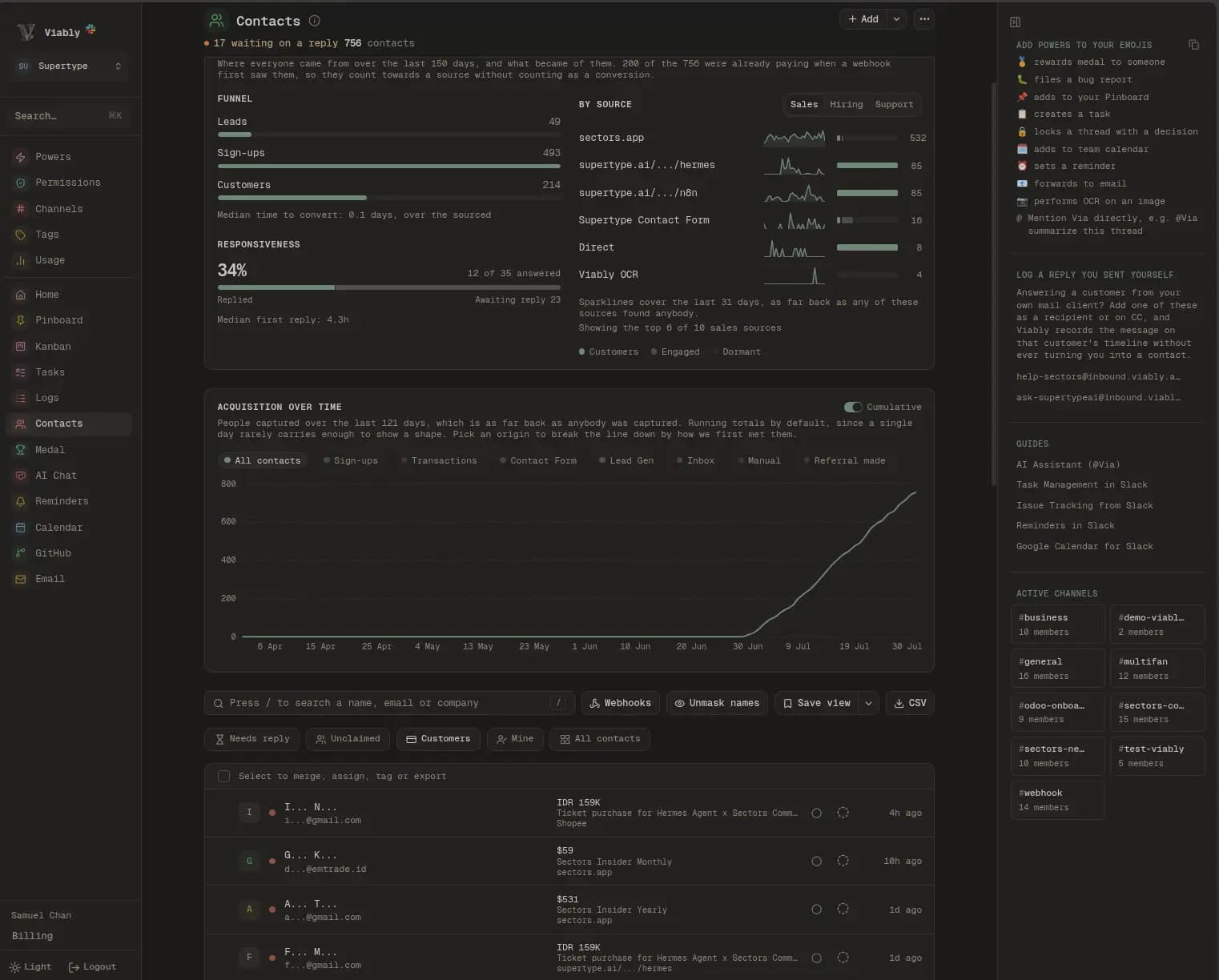
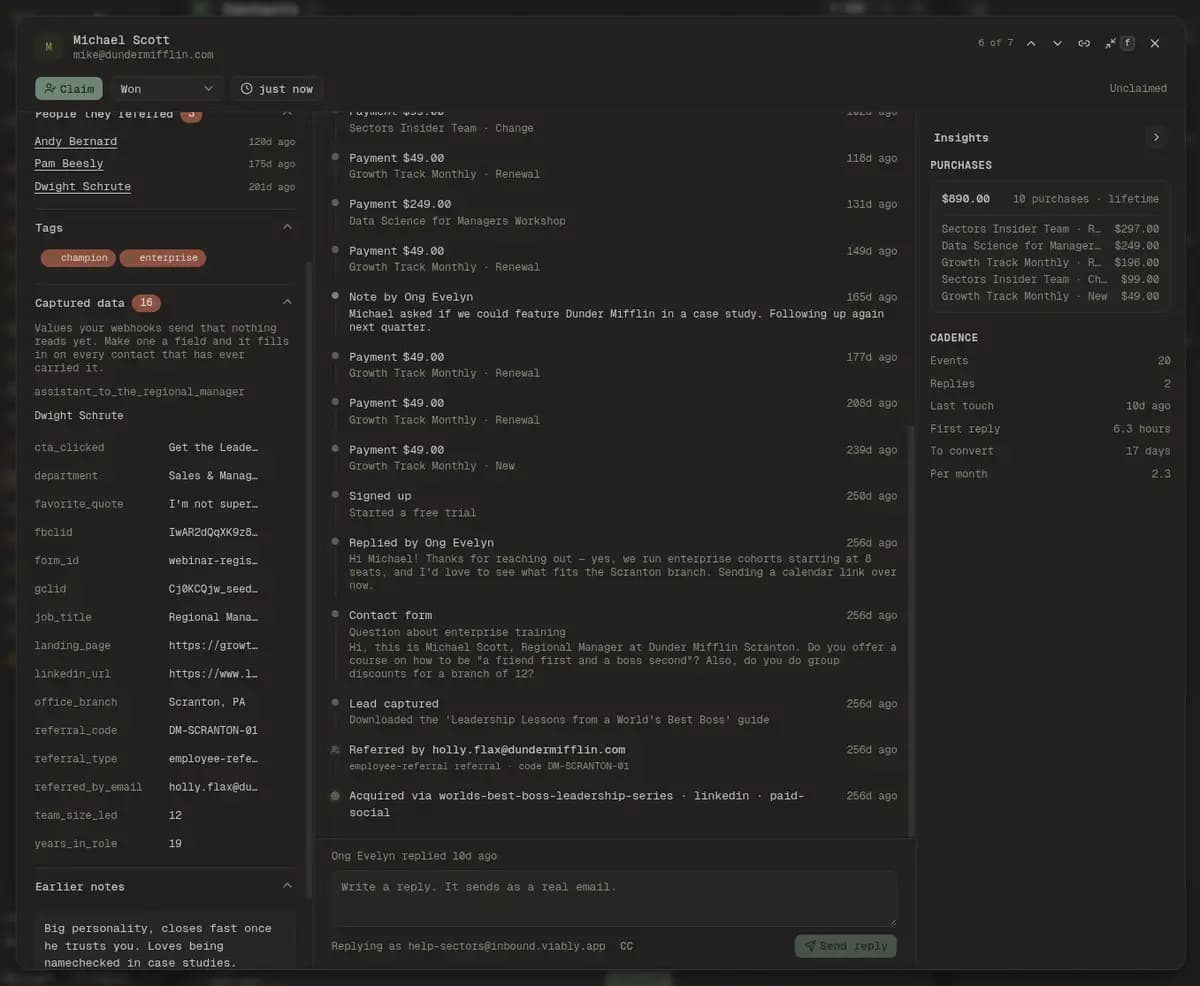
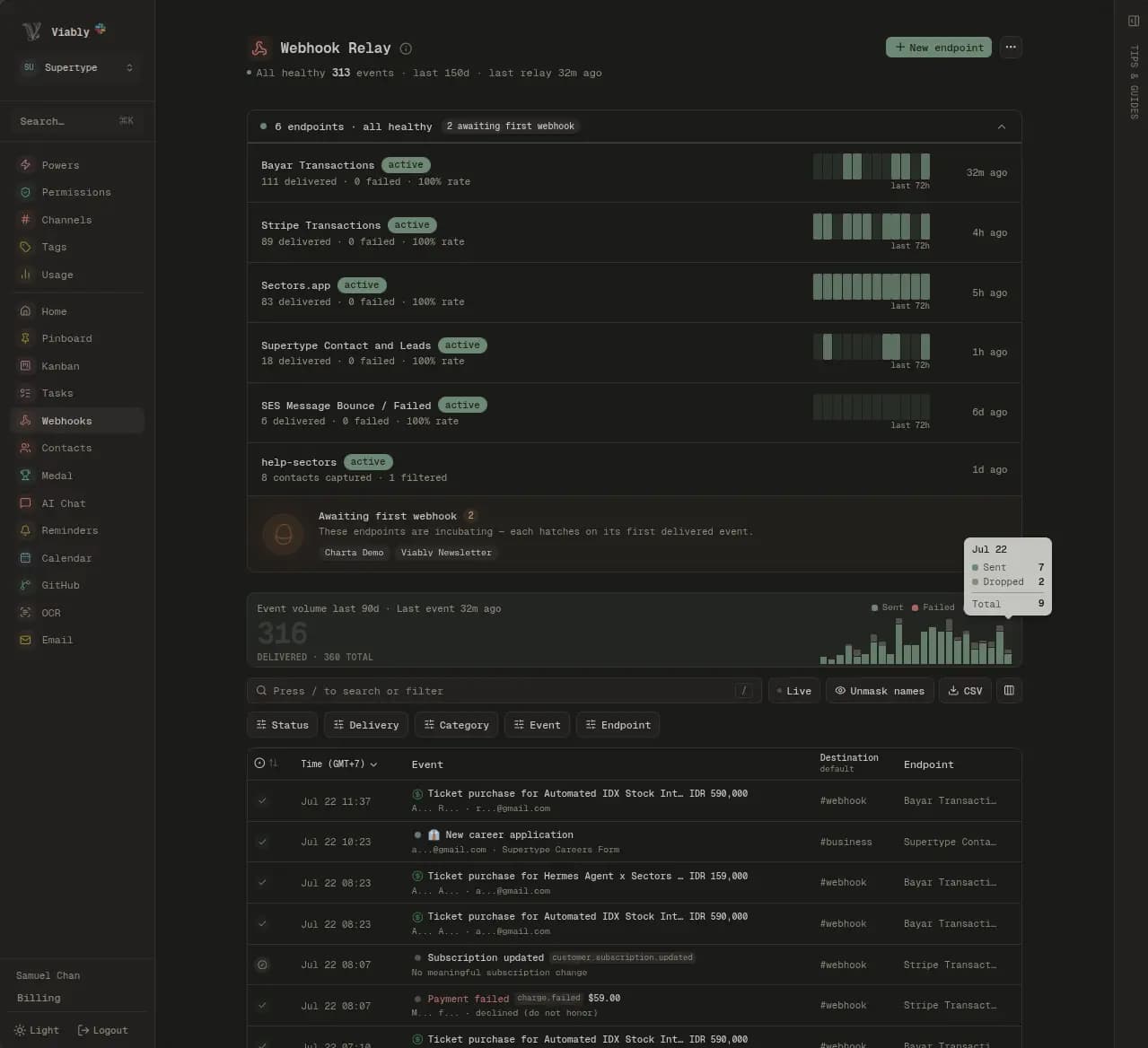
You can import the CSV wherever you like. To keep the people you met as contact records with their full history, point your forms and payment provider at Viably too. The invoice someone pays in June then lands on the same record as the card you scanned in March.
Michael Scott
[email protected]Owned by jim
What happened when you reached out?
Note by jim
6d ago
Called after the pricing guide download. Evaluating for twelve seats, decision by end of month.
- via app-signups
Signed up
9d ago
Lead captured
12d ago
Pricing guide download
via webflow-forms- code CALVIN20
Referred by Jim Halpert
12d ago
Acquired via spring-launch · facebook · paid
12d ago
- Events
- 3
- Replies
- —
- Last touch
- 6d ago
- First reply
- —
- To convert
- —
Priced per scan for the whole workspace.
Each scan counts as an event, and Viably doesn't charge per seat, so everyone in the workspace can send one. The Free plan includes an allowance that covers the occasional conference, and Viably+ raises it for teams scanning every week.
Questions about the Viably OCR integration
What do I do with a stack of cards from a conference?
What is in the CSV?
Where do the results appear?
Can the extracted contacts become CRM records?
How long does a scan take?
Which channels can accept a scan?
Connect something else
Every integration files into the same customer records, channels and log.
Scan business cards from Slack.
Turn on the OCR power, name a channel, and the next camera reaction comes back as a table and a CSV.
- Free to start
- No credit card required
- Powers on when you need them